What “Search Google or Type a URL” Really Means and Why It Matters
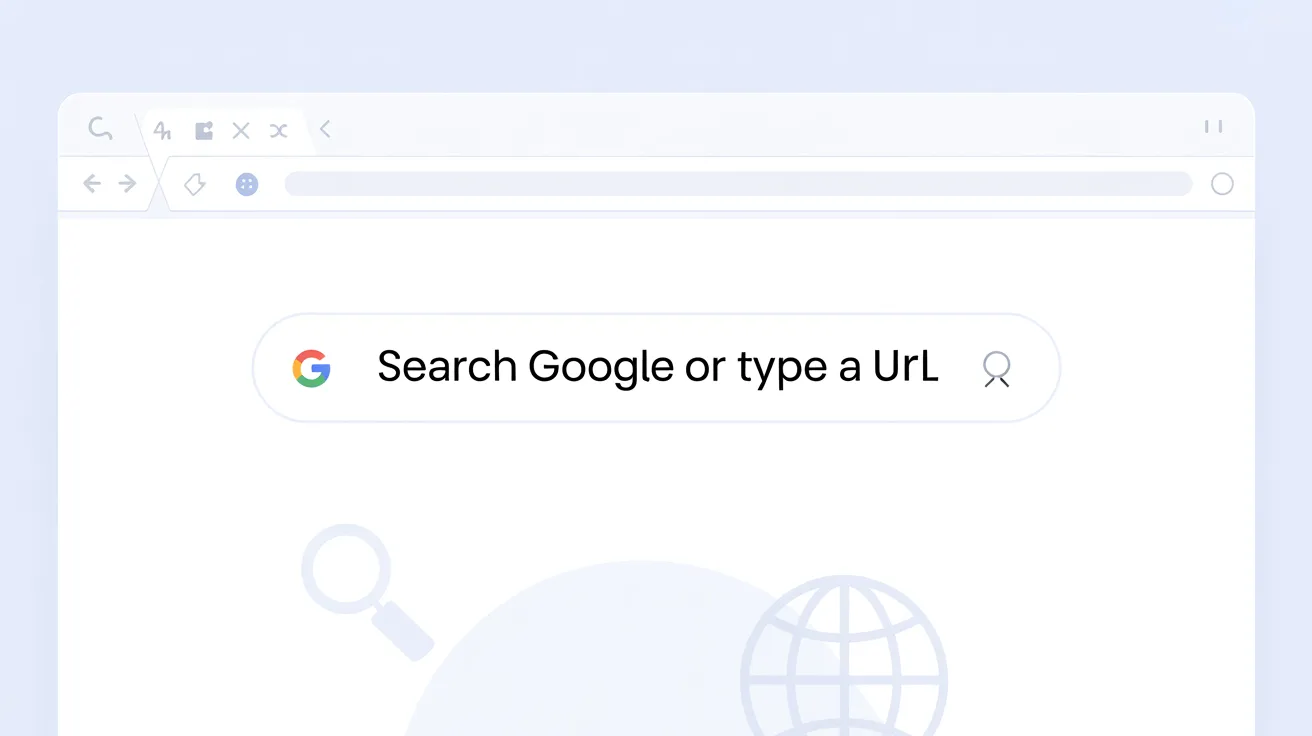
You open your browser. A blank bar waits at the top. It says search google or type a url. Most people glance at it without thinking. Few understand how much power lives inside that small rectangle.
If you have ever paused and wondered what search google or type a url actually does, you are not alone. Many users type full website names into the search box instead of entering the direct address. Others paste URLs into search results. Small habits like these shape how fast you move online and how securely you browse.
This article breaks down search google or type a url in detail. It explains the technology behind it, the practical difference between searching and typing a web address, and how to use this function with more precision. When used correctly, search google or type a url becomes more than a prompt. It becomes a navigation tool that saves time and reduces friction.
Understanding the Browser Address Bar
The phrase search google or type a url appears in browsers such as Google Chrome. Other browsers like Mozilla Firefox and Microsoft Edge offer similar unified bars. This field is often called the omnibox.
The omnibox combines two actions. It works as a search engine input and as a direct navigation field. When you search google or type a url, the browser interprets what you enter and decides whether to run a search query or load a website directly.
If you type a full domain such as example.com, the browser loads the website. If you type a phrase like best running shoes, the browser sends that query to its default search engine. This dual behavior makes search google or type a url one of the most powerful elements of modern browsing.
How the Omnibox Interprets Your Input
When you enter text into search google or type a url, the browser runs pattern recognition. It checks whether the input resembles a valid domain format. If it sees a dot followed by a top level domain like .com or .org, it treats the input as a URL.
If the input lacks a domain structure, the browser sends it to a search engine such as Google. The decision happens instantly. Most users never see the logic at work.
This predictive interpretation is not random. Browsers rely on rules tied to DNS formatting and search engine integration. Understanding this helps you control whether you want to search google or type a url for faster navigation.
Direct URL Entry vs Search Query
Typing a direct address is efficient when you know the exact website. If you want to visit a news platform, entering its URL avoids search results clutter.
Using search google or type a url for a query is better when you need information but do not know the specific source. Searching broad phrases opens comparison options.
Choosing between these two actions depends on intent. If your goal is access, typing the URL is faster. If your goal is discovery, using search google or type a url as a search tool makes sense.
The Technical Backbone Behind Web Navigation
Behind the simple phrase search google or type a url lies a network of systems working in milliseconds. When you press enter, your browser communicates with DNS servers to resolve the domain.
DNS translates human readable names into IP addresses. Without it, typing a website name would fail. Every time you search google or type a url with a domain entry, DNS resolution begins before the website loads.
Search queries follow a different route. When you search google or type a url with a keyword phrase, the browser sends your query to the search engine’s servers. Those servers analyze billions of indexed pages and return ranked results.
The Role of Search Engines
Search engines such as Google operate complex ranking systems. When you use search google or type a url for a query, you trigger crawling, indexing, and ranking algorithms that determine what appears first.
Search engines evaluate relevance, authority, freshness, and user intent. The results page reflects these calculations. That is why two similar queries can produce different outcomes.
Understanding this gives context to search google or type a url. It is not a passive tool. It connects you to one of the largest information retrieval systems ever built.
Security and HTTPS Awareness
Typing a URL directly into search google or type a url requires awareness of secure connections. Look for HTTPS in the address bar. That encryption protects data exchange between your browser and the server.
If you search for a brand name instead of typing the domain, you risk clicking on ads or phishing sites that imitate the original. Direct URL entry reduces that risk when you know the correct domain.
Practical browsing habits start with understanding how search google or type a url processes and loads websites.
Practical Differences in Real World Usage
Daily browsing behavior often reveals inefficiencies. Many users type facebook into search google or type a url instead of entering facebook.com directly. This adds an unnecessary search results page.
Direct navigation saves time. It also limits exposure to misleading sponsored links. When using search google or type a url with intent, you choose speed over exploration.
There are cases where searching is smarter. When researching a product, searching through search google or type a url reveals reviews, comparisons, and price listings. Direct navigation would restrict you to one source.
Browser Suggestions and Autocomplete
Modern browsers learn from your history. When you start typing into search google or type a url, suggestions appear. These suggestions combine browsing history and search trends.
Autocomplete accelerates navigation. If you frequently visit a site, entering the first few letters in search google or type a url may instantly surface the correct domain.
This predictive assistance is useful yet dependent on your digital habits. Clearing history resets that personalization.
When to Type the Full URL
Typing the full address is ideal when logging into banking portals or sensitive accounts. It reduces the risk of landing on fraudulent pages.
Professionals often rely on direct URL entry for internal company dashboards. In such cases search google or type a url becomes a controlled access point rather than a discovery tool.
Understanding these contexts strengthens how you use search google or type a url efficiently.
Common Mistakes Users Make
One common mistake is pasting a URL into the search results page instead of the address bar. This creates an unnecessary extra step.
Another issue occurs when users search google or type a url with incomplete domain names. Typing amazon without .com may trigger a search rather than direct navigation depending on browser settings.
Some users confuse the search box within a website with the browser omnibox. These are separate functions. The browser level search google or type a url controls web navigation globally.
Overreliance on Search Results
Relying solely on search results can slow browsing. If you know the domain, use search google or type a url to enter it directly.
Search result pages include ads and sponsored placements. Clicking the first result without checking the URL can lead to unnecessary redirections.
A small adjustment in how you use search google or type a url improves digital efficiency.
Practical Comparison Table
Below is a structured comparison that clarifies usage scenarios.
| Action Type | Input Example | Browser Behavior | Best Use Case | Risk Level |
|---|---|---|---|---|
| Direct URL Entry | example.com | Loads site immediately | Known website access | Low |
| Search Query | best laptops 2026 | Shows search results | Research and comparison | Medium |
| Partial Domain | amazon | May trigger search | When unsure of full address | Medium |
| Secure Domain | https://bank.com | Encrypted direct load | Financial login | Very Low |
| Brand Search | bank login | Shows multiple links | When domain unknown | Higher |
This table shows that search google or type a url serves multiple intents. Your awareness determines outcome efficiency.
Semantic Role in SEO and Digital Behavior
From an SEO perspective, search google or type a url reflects user intent. Marketers analyze whether users navigate directly or rely on search queries.
Branded searches show recognition. Direct URL entries indicate loyalty. When users frequently bypass search results and type the domain, brand authority increases.
Content creators optimize pages so that when users search google or type a url with informational keywords, their content appears prominently. That interplay between user behavior and search ranking defines modern digital strategy.
Intent Layers Behind the Phrase
There are three primary intent layers behind search google or type a url. Navigational intent involves reaching a known site. Informational intent seeks answers. Transactional intent aims at completing purchases.
Understanding these layers transforms how businesses design content. It also guides users toward more deliberate browsing decisions.
When you consciously decide how to use search google or type a url, you reduce wasted clicks and increase clarity.
FAQs
Why does my browser say search google or type a url?
It appears because the address bar functions as both a search engine input and a navigation field. It allows you to search google or type a url in one unified space.
Is it better to search or type the full website address?
Typing the full domain is faster when you know it. Searching is useful when exploring unfamiliar topics.
Can typing a URL improve security?
Yes. Directly entering a trusted domain into search google or type a url reduces the chance of clicking misleading links.
Why do suggestions appear when I start typing?
Browsers store history and popular searches. When you begin using search google or type a url, autocomplete predictions appear based on past behavior.
Does using search queries affect SEO data?
Yes. When users search google or type a url with keywords, those queries contribute to search engine analytics and ranking insights.
What happens if I type something incorrectly?
If the entry does not match a valid domain pattern, search google or type a url sends it as a search query instead of loading a site.
The Broader Digital Navigation Perspective
The small text search google or type a url represents a shift in interface design. Browsers merged search and navigation to reduce friction.
That design encourages fluid movement between known destinations and open exploration. It also places responsibility on the user to choose intentionally.
Mastering search google or type a url is less about technology and more about awareness. When you recognize the difference between searching and direct access, your browsing becomes faster, safer, and more controlled.
Precision in digital behavior often begins with small habits. The address bar is one of them. Understanding how to search google or type a url with intent reshapes how you experience the web.